Control Daw con A&H Qu16 en Sonar X3

Eduardo Benitez
por el 17/11/2016
Saludos,
Hace poco salio el driver de la mesa de mezcla Allen&Heath Qu16 para el control de superficie. He probado con las instrucciones del fabricante y todas las combinaciones que se me han ocurrido pero soy incapaz de que Sonar X3 me reconozca los mensajes MIDI. ¿Alguien ha podido hacerlo funcionar?
OFERTAS EN TIENDAS Ver todas
  • -31%
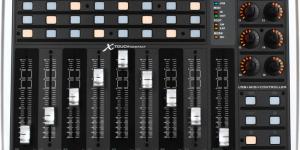
    Behringer X-Touch Compact
    222 €
    Ver oferta
  • -35%
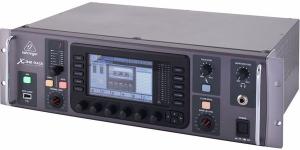
    Behringer X32 Producer
    969 €
    Ver oferta
  • -14%
    SPL Goldmike MK2 B-Stock
    845 €
    Ver oferta
SEGUNDA MANO EN MERCASONIC Ver todo
  • Yamaha TX 16W Sampler vintage
    200 €
    Ver
  • Roland AIRA Bitrazer - Módulo Modular (Bitcrusher/Filtro)
    175 €
    Ver
  • Soundback Clip On
    30 €
    Ver
¿Tienes equipo que ya no usas? Véndelo en Mercasonic
Eduardo Benitez
por el 27/11/2016
El servicio de soporte de Allen&heath ha sido tan amable de responderme rápidamente a mi problema. Comparto con este foro por si sirve de ayuda a alguien más:
For Sonar,
1. Make sure the DAW control app is set to HUI
2. In Sonar make sure the DAW MIDI and Qu MIDI ports are enabled in MIDI Devices.
3. In Control Surface setup add 2,3 or 4 CM Labs MotorMix controllers required to control the Qu mixer and assign the respective DAW MIDI ports.
4. In Control Surface setup add an MMC controller and assign to the Qu MIDI ports for transport control
5. In the main window drag the coloured controller strips under the channels to the correct positions

This will give you control of faders, mutes, solo’s and transport.

NB: The Sel keys will not select a channel and Transport does not have pause and bank up/down.


Espero que os sirva!!
Nuevo post

Regístrate o para poder postear en este hilo

Música
Temas